
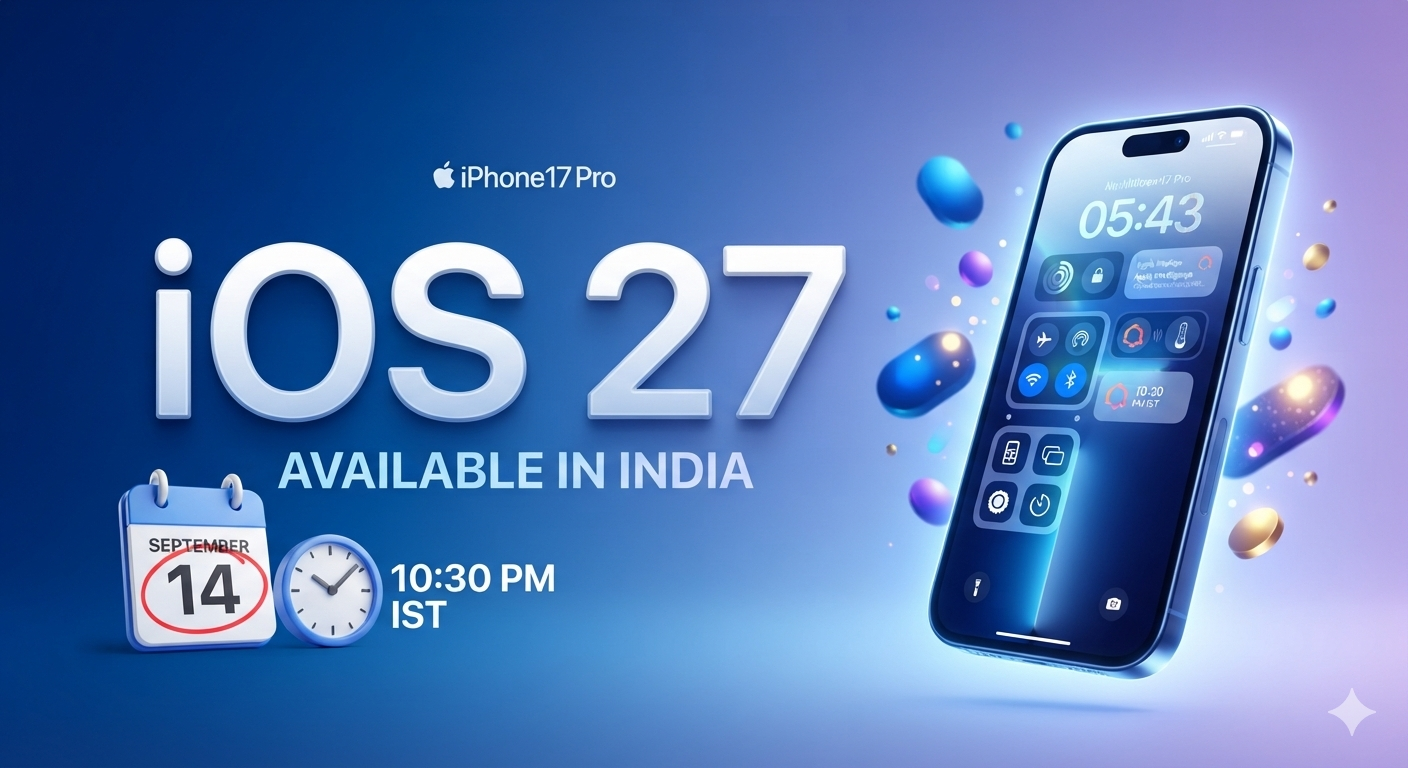
Apple Drops iOS 27 Today: Launch Time, Top Features, and Supported iPhones in India
The wait is officially over for iPhone users in India. Apple is rolling out its next-generation operating system, iOS 27, tonight. Packed with deeper system-level artificial intelligence, massive home screen overhauls, and battery optimizations, this update aims to make your iPhone feel brand new.
Here is everything you need to know about the Indian release, including the exact rollout time, compatible devices, and how to download it.
📅 Release Date and Exact Time in India
Apple will officially release iOS 27 in India today, September 14, 2026.
Historically, Apple releases its major software updates at 10:00 AM Pacific Time. For Indian users, this means the update will hit servers at 10:30 PM IST tonight.
💡 Pro Tip: Millions of users will try to download the update simultaneously at 10:30 PM. Expect slower download speeds initially. If you want a seamless install, consider waiting until tomorrow morning.
📱 Supported Devices: Is Your iPhone Eligible?
Apple is known for providing long-term software support, but iOS 27 finally drops compatibility for older hardware like the iPhone XS, XS Max, and XR. Check the list below to see if your phone makes the cut:
iPhone 17 & 18 Series
- iPhone 18 Pro Max / iPhone 18 Pro / iPhone 18
- iPhone 17 Pro Max / iPhone 17 Pro / 17 Plus / 17
iPhone 15 & 16 Series
- iPhone 16 Pro Max / iPhone 16 Pro / 16 Plus / 16
- iPhone 15 Pro Max / iPhone 15 Pro / 15 Plus / 15
iPhone 13 & 14 Series
- iPhone 14 Pro Max / iPhone 14 Pro / 14 Plus / 14
- iPhone 13 Pro Max / iPhone 13 Pro / 13 mini / 13
iPhone 11 & 12 Series
- iPhone 12 Pro Max / iPhone 12 Pro / 12 mini / 12
- iPhone 11 Pro Max / iPhone 11 Pro / 11
iPhone SE Series
- iPhone SE (2nd generation or later)
✨ What’s New in iOS 27?
While Apple will publish the complete changelog tonight, beta testing has already given us a clear look at the flagship features:
- Next-Gen Apple Intelligence: Deeper context-aware Siri actions, real-time localized Indian English translation, and advanced on-device photo editing tools.
- Redesigned Control Centre: Fully modular toggles allowing you to resize, reshape, and categorize controls across multiple custom pages.
- Smart Battery Mode: A machine-learning driven battery manager that dynamically adjusts performance based on your daily app usage patterns to extend physical battery life.
- Advanced Privacy Dashboard: Real-time tracking showing exactly how apps use your data, complete with a one-tap toggle to revoke tracking permissions globally.
⚙️ How to Prepare and Install the Update
Before the clock strikes 10:30 PM, follow these steps to ensure your iPhone is ready for a hassle-free installation:
- Back Up Your Data: Go to Settings > [Your Name] > iCloud > iCloud Backup and tap Back Up Now. Alternatively, back up your phone via a Mac or PC.
- Clear Storage Space: Major iOS updates typically require 5GB to 8GB of free space to download and unpack. Clear out old videos or unused apps via Settings > General > iPhone Storage.
- Charge Up: Your iPhone must have at least 50% battery (or 20% while connected to a charger) to install the update.
- Download: Once live, navigate to Settings > General > Software Update and tap Download and Install.
Leave a Reply